
Data Entry Virtual Assistant Services
Data entry is one of the most critical back-office functions for businesses. Accurate, well-organized data supports decision-making, reporting, customer management, and operational efficiency. As a Virtual Assistant, delivering fast and error-free data entry is not optional — it is a professional standard.
A Data Entry Virtual Assistant ensures that information is captured, processed, and maintained correctly across systems such as CRMs, spreadsheets, databases, and internal tools. When done right, data entry saves time, reduces costly errors, and keeps businesses running smoothly.
This guide outlines proven strategies to improve speed and accuracy in data entry — without sacrificing quality.
Setting Up Your Workspace for Maximum Productivity
Efficiency begins with the right environment.
A professional data entry VA should work from:
- An ergonomic desk and chair to prevent fatigue
- A clutter-free workspace to maintain focus
- Proper lighting to reduce eye strain
- A reliable computer and stable internet connection
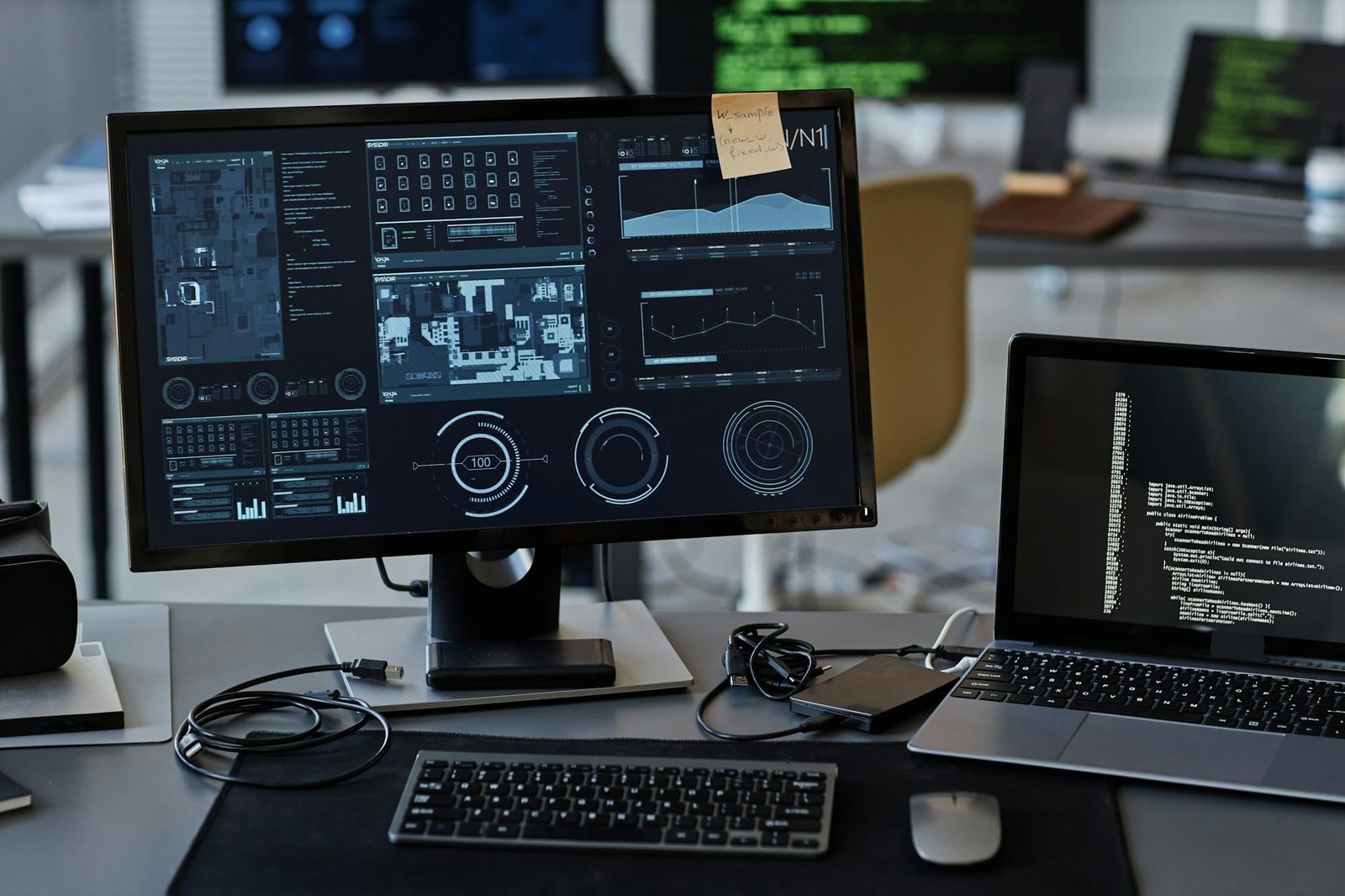
Using dual monitors is highly recommended. One screen can display source data while the other is used for entry, significantly improving speed and reducing mistakes.
A well-prepared workspace directly impacts performance and consistency.
Using the Right Tools and Software
The right tools dramatically improve data entry efficiency.
Common Tools Used by Data Entry VAs:
- Spreadsheets: Google Sheets, Microsoft Excel
- Databases & CRMs: HubSpot, Salesforce, Airtable
- Automation Tools: Zapier, Make (Integromat)
- OCR Tools: Convert scanned documents into editable data
Automation reduces repetitive manual work, while validation features help catch errors early. Experienced Data Entry VAs rely on these tools to maintain accuracy at scale.
Mastering Keyboard Shortcuts for Speed
Keyboard shortcuts are one of the fastest ways to improve data entry speed.
Examples include:
- Copy / Paste: Ctrl + C / Ctrl + V
- Undo: Ctrl + Z
- Switch applications: Alt + Tab
- Excel shortcuts for navigation and formatting
By minimizing mouse usage, VAs can significantly increase typing speed and maintain workflow momentum. Consistent practice makes shortcuts second nature and improves daily output.
Double-Checking and Error Prevention Techniques
Speed without accuracy creates problems.
Professional Data Entry VAs apply structured verification methods:
- Reviewing entries after completion
- Cross-checking data against source files
- Using validation rules in spreadsheets
- Breaking work into batches for easier review
Stepping away briefly before reviewing helps spot errors more easily. Accuracy protects businesses from reporting issues, financial discrepancies, and operational setbacks.
Time Management Strategies for Data Entry VAs
Managing time effectively ensures consistent quality.
Proven Techniques:
- Task prioritization: Handle urgent or complex data first
- Pomodoro Technique: 25-minute focused sessions with short breaks
- Daily targets: Set realistic entry goals per session
These strategies prevent burnout, maintain focus, and reduce mistakes caused by fatigue.
Continuous Training and Skill Improvement
Data entry tools and systems evolve constantly.
High-performing VAs invest in:
- Software training (Excel, CRMs, databases)
- Webinars and online courses
- Learning automation and data validation techniques
Staying updated improves efficiency, expands service offerings, and increases client trust.
Feedback and Self-Assessment
Improvement comes from measurement.
Professional VAs:
- Review completed work regularly
- Track error patterns
- Request client feedback
- Adjust workflows based on results
Self-assessment builds accountability and leads to long-term performance improvement.
Why Speed and Accuracy Matter in Data Entry
Fast but inaccurate data creates risk. Accurate but slow data delays decisions.
The value of a Data Entry Virtual Assistant lies in balancing both. Businesses rely on clean, timely data to operate efficiently — and that responsibility demands discipline, systems, and experience.
How does a professional Data Entry Virtual Assistant ensure accuracy?
A professional Data Entry VA uses validation tools, structured review processes, keyboard efficiency, and batch verification methods to minimize errors while maintaining speed.
Conclusion
Maximizing efficiency in data entry requires more than fast typing. It demands the right tools, structured workflows, disciplined time management, and a commitment to accuracy.
When these elements come together, a Data Entry Virtual Assistant becomes a critical asset — ensuring businesses operate on reliable, up-to-date information without distraction or delay.